Windows client
PC and Steam install
Steam is the official PC entrance. The store date field says 26 Jul 2026. A news post on 17 Aug 2026 says it is officially available.
Last checked: 2026-10-28. Version: iOS 2.0.7 (Apple listing, single source); other client build numbers are not established.

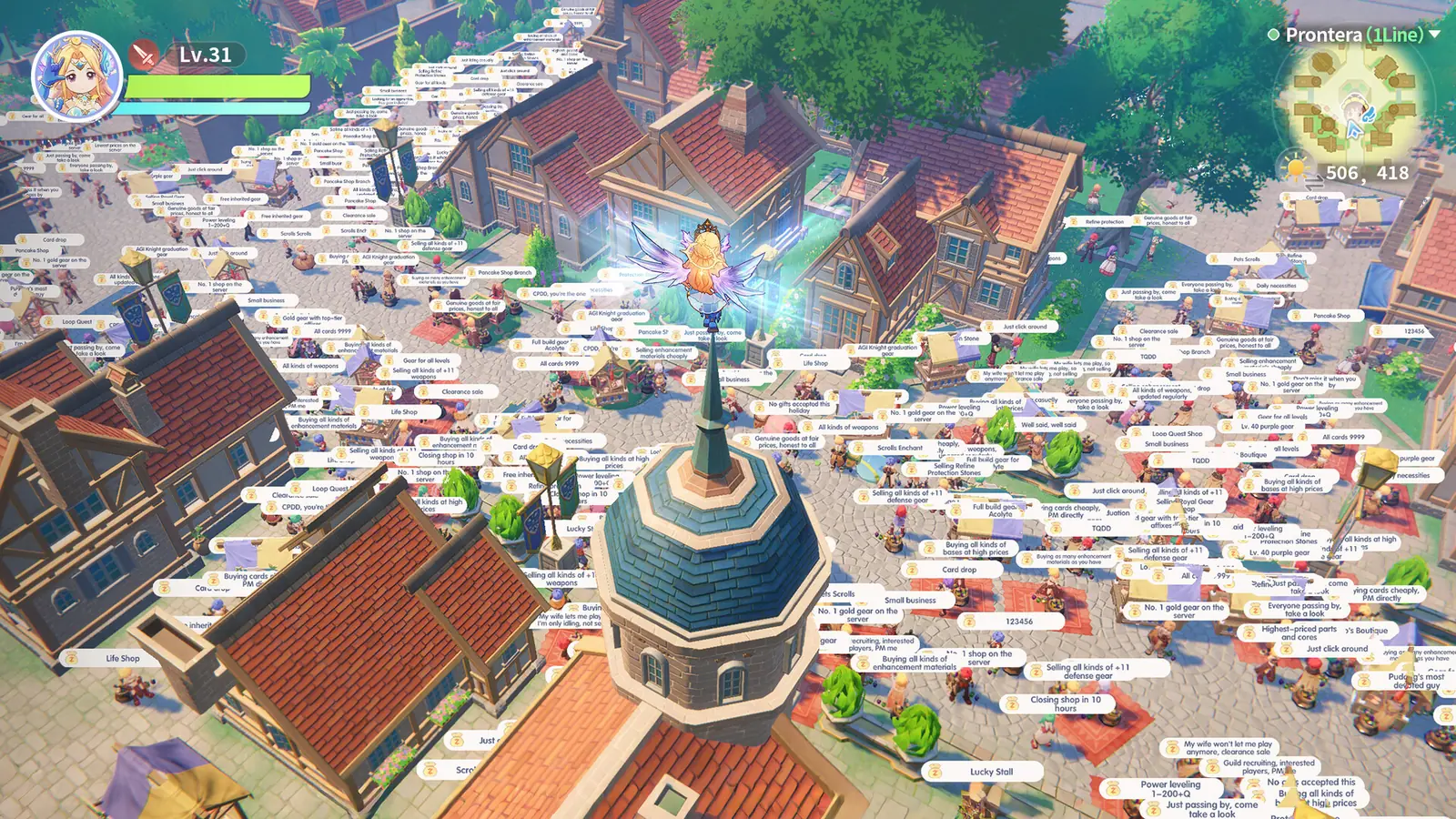
Install order
- Install from Steam app 4212480.
- Create the Gravity account the launcher asks for.
- Pick a server the client offers. I do not have an official server list page.
- Redeem codes from the login account icon, then claim mail. See the codes page.
What 120 FPS does and does not mean
Steam’s about text advertises 120 FPS and keyboard-mouse play, and says progress follows the phone client. It does not publish a GPU that holds that frame rate. Treat 120 FPS as a feature flag, not a promise for your machine.
Questions people actually search
Do I need a Gravity account on Steam?
Yes. The store page says a third-party Gravity account is required. It is not a Steam-only login.
What are the PC specs?
12 GB RAM minimum, 16 GB recommended, 30 GB disk, broadband. OS, CPU, and GPU were empty on 28 Oct 2026.
Does it run on Linux?
Steam lists Linux as unsupported. ProtonDB says Platinum from 4 reports with low confidence. GamingOnLinux noted a Proton Experimental fix in Sep 2026.
Sources
- Steam store, app 4212480 — Checked 2026-10-28. Release field 26 Jul 2026, 8 classes, Windows only, Dynamic review samples are attributed to Steam alone.
- Steam appdetails API — Checked 2026-10-28. mac=false, 12 GB / 16 GB RAM, 30 GB disk, Druid forms.
- Steam news API — Checked 2026-10-28. 17 Aug 2026 post says the game is officially available on Steam.
- ProtonDB summary API — Platinum from 4 reports, confidence low. Checked 2026-10-28.
- GamingOnLinux Proton Experimental note — September 2026. Proton Experimental fix mentioning this game.
Related: All platforms · Codes · Controls